1. Log into the Outlook Web App, at https://na02.msexchangeoutlook.com/
2. Click the Options icon in the top-right corner.
3. Select Options, from the gear icon drop-down menu.

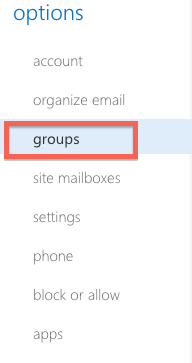
4. Click Groups from the left-hand menu.
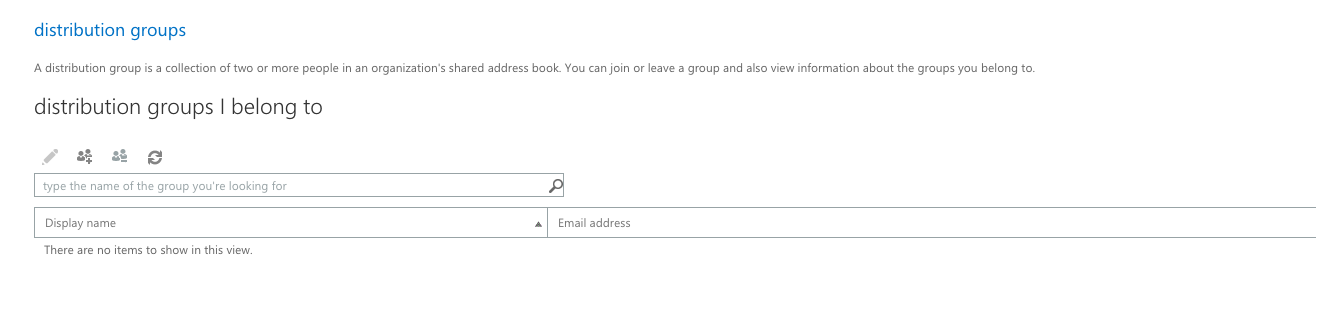
The Distribution Groups I Belong To window will display the lists to which you are assigned. Double-click on a list to view its details.