1. Log into Outlook Web App at https://na02.msexchangeoutlook.com
2. Click the Options icon in the top right corner.
3. Click Options.

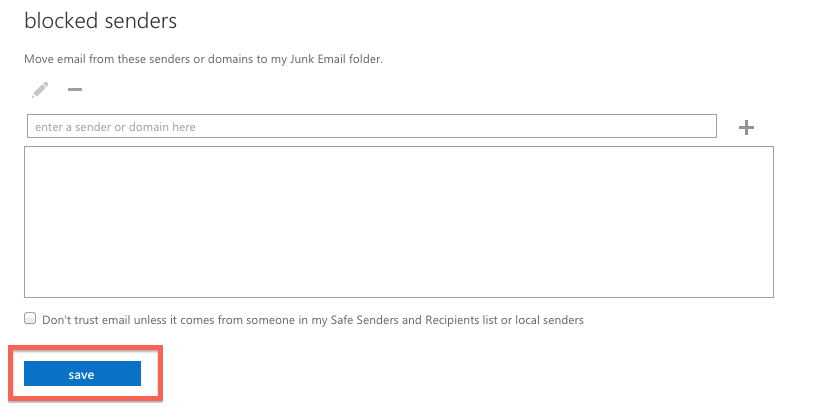
4. Select Block or Allow from the left-hand menu.
5. In the Safe Senders and Recipients box, enter an e-mail address or domain in the box and click on the plus sign.
6. When finished, click Save.