
The CanIt SPAM software features its own set of reporting tools, which can help determine the worse offenders and type of emails blocked by the CanIt SPAM software. Each report is filterable and can be exported to several data format such as CSV, YAML, and JSON.
1) Log in using your credentials at the provided URL: https://antispam.roaringpenguin.com/canit/index.php
2) Once logged into the CanIt software, select "Reports". You will now have several menu options for message rules including:
Statistics
Senders
Hosts
Domains
Countries
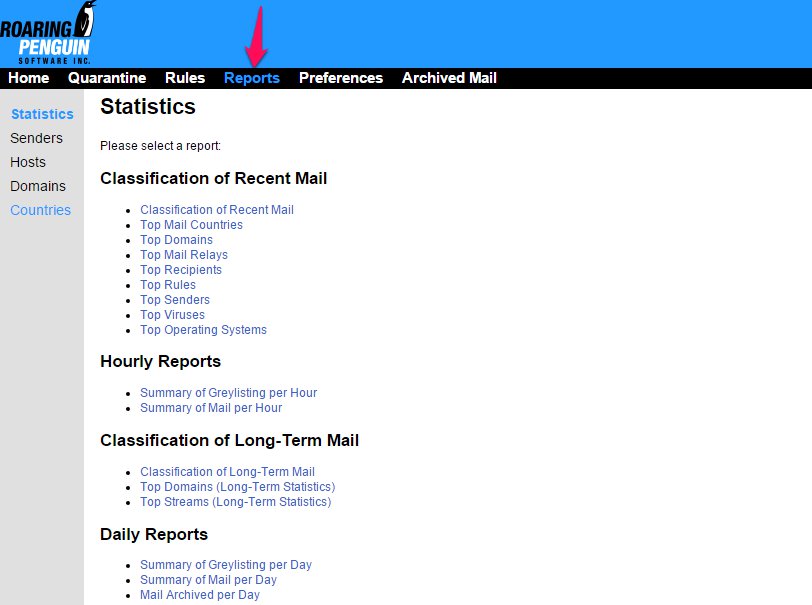
3) The 'Statistics' page contains links to several different types of reports for mail classification, hourly mail reports, long-term mail and daily reports.
4) The 'Senders' , 'Hosts', 'Domain' and 'Countries' pages will each allow you to see a detailed report of your worst offending senders, hosts, domains or countries. You can also export this report to a CSV format for offline viewing.
