
The CanIt SPAM software features its own set of message rules that can be set by a user for even more control regarding how email messages are filtered.
1) Log in using your credentials at the provided URL: https://antispam.roaringpenguin.com/canit/index.php
2) Once logged into the CanIt software, in the main menu select "Rules". You will now have various options for messaging rules, in a column on the left side of the screen.
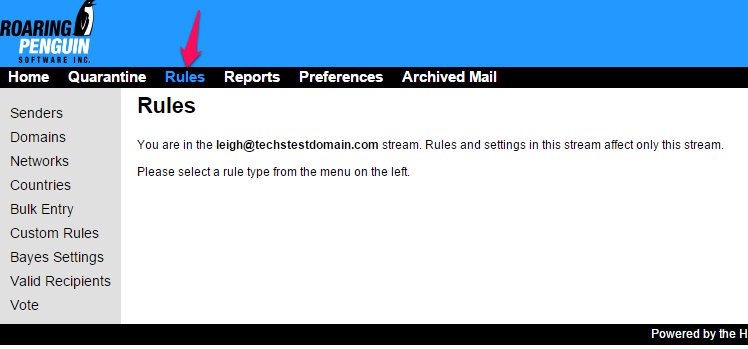
3) The 'Senders' tab will allow the user to add or search for a specific sender and then choose from a list of actions which will affect messages received by this user.
4) 'Domains' is the same general process as with senders, but on a domain level versus a single user address.
5) 'Countries' allows the user to set rules per country. These rules are set by where the SMTP relay is located, not the country of the sending domain. This is an advanced option and should be used with care.
6) 'Bulk Entry' gives the user the option to bulk import domains or sender addresses. This is done one entry per line.
7) 'Custom Rules' are a set of customized rules not specific to any sender or domain. Here you can set rules by message subject or even message content.
