1. Open your Outlook 2013 Client.
2. Click the Calendar button located in the bottom left corner of Outlook.

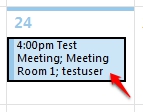
3. Locate the meeting you wish to cancel and double-click the entree to open it.
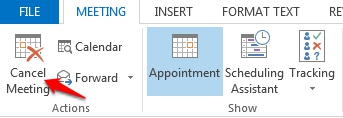
4. Within the Meeting tab, click Cancel Meeting. A cancellation message will go out to all tagged attendees and optional attendees.