
1. Log into Outlook Web App at https://na02.msexchangeoutlook.com/
2. In the upper right hand corner, click the Options icon.

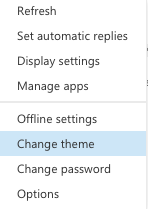
3. Click Change theme.
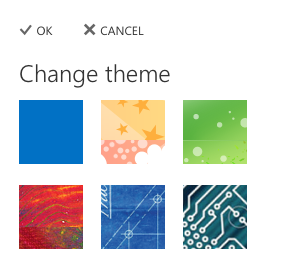
4. Select the desired theme.
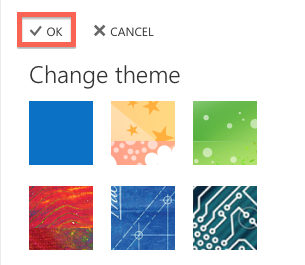
5. Click OK.
1. Log into Outlook Web App at https://na02.msexchangeoutlook.com/
2. In the upper right hand corner, click the Options icon.
