
Delete an entry from the list using OWA
1. Log into your mailbox via Outlook Web App at https://na02.msexchangeoutlook.com
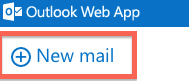
2. Create a new email or meeting request.
3. Begin typing the entry you want to delete until you see it in the Auto Complete list.
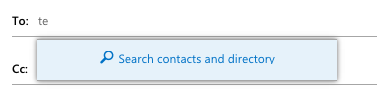
4. To remove one entry from the list, highlight the name in the Auto Complete list, arrow up and arrow down allow you to highlight the name you want to remove.
5. When the entry is highlighted, press the Delete button on your keyboard.
