
In this section you can log in at the Partner Level. You will have access to add, edit and delete information and services.
Login As Partner
Check the box next to the Partner ID and chose Login As Partner.

Once you are logged into the Partners' control panel you will notice a differences in the Menu options.
Super Partner > Partner (left-hand side)
Partner ID (right-hand side)
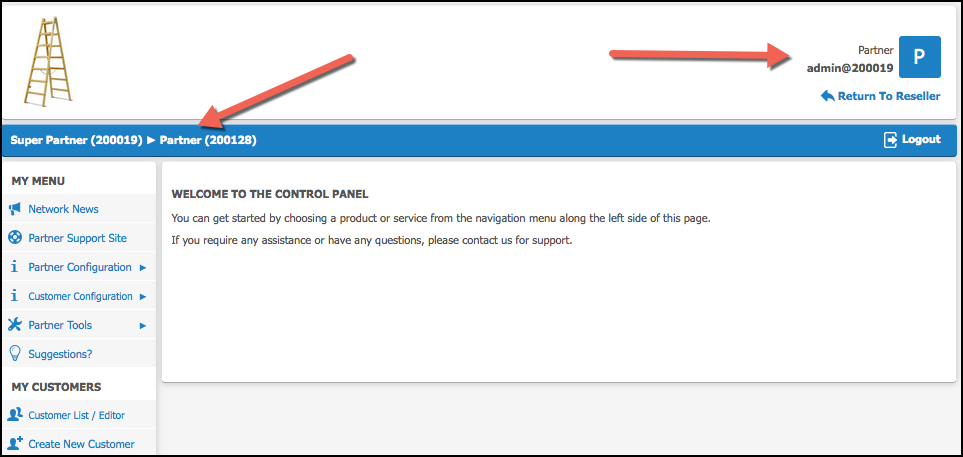
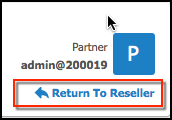
To revert to the Super Partner Level select Return to Reseller (located on the right-hand side of the screen).
Proceed to the Control Panel - Partner section for specific partner control panel information.
