
To share a calendar with another user in Outlook Web App, please follow the steps below:
1. Log into Outlook Web App at http://mail.secureowaonline.com

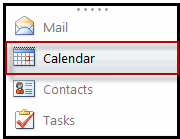
2. Select the Calendar icon in the bottom left corner.
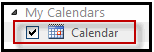
3. In the left-hand navigation pane, select the calendar you would like to share.
4. Click Share above the calendar.

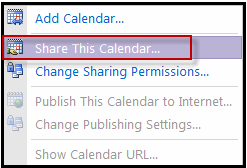
5. Click Share This Calendar.
6. In the To field, enter the recipient's e-mail address.

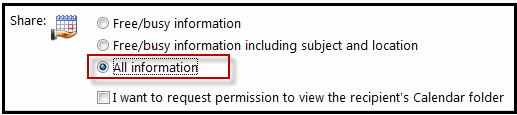
7. Select the calendar content that you would like to share.
8. Enter a Subject and body text as needed.
9. Click Send.
